Buy

A board and a licence.
Then flash it.

McpVue needs two things. You buy the board from a shop, and a McpVue licence for that board from us. The flasher then installs the firmware from your browser.

  1. 01

    Buy a board.

    One of two supported ESP32-S3 boards, from a shop.

  2. 02

    Buy a licence.

    One code per board, sent to you by email.

  3. 03

    Flash it.

    Connect the board over USB and enter the code once.

01 · The board

Choose a board.

Every board runs the same McpVue. Pick the screen that suits your desk. The board is not included in the licence. The shop links are affiliate links: buying through them supports McpVue at no extra cost to you.

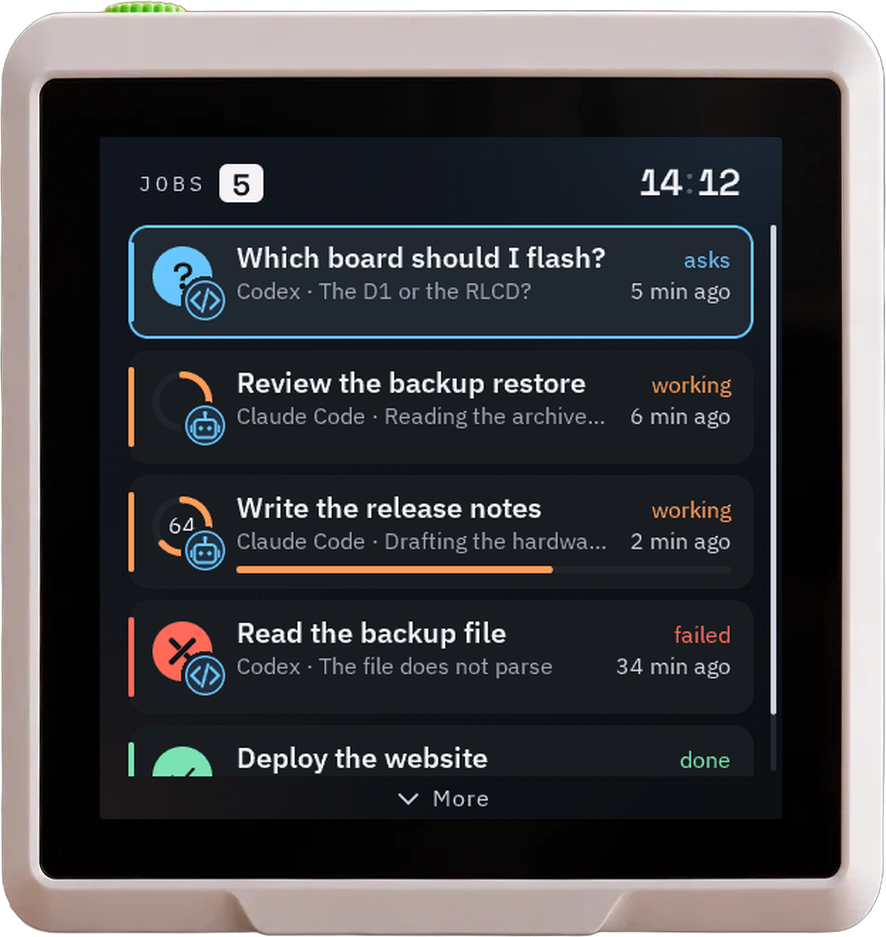
Seeed SenseCAP Indicator D1 showing the McpVue jobs list
01

Seeed SenseCAP Indicator D1

4″ touch LCD · 480 × 480 · ESP32-S3 + RP2040

A finished desk device with a square color touch screen and a stand. It runs the full interface: jobs, messages, tasks, notes, the calendar, and the clock. The flasher installs McpVue on both of its chips, straight over the factory firmware.

Chip
ESP32-S3, 8 MB flash, 8 MB PSRAM; RP2040
Power
USB-C
Sound
Buzzer, played by the RP2040
Buy the board
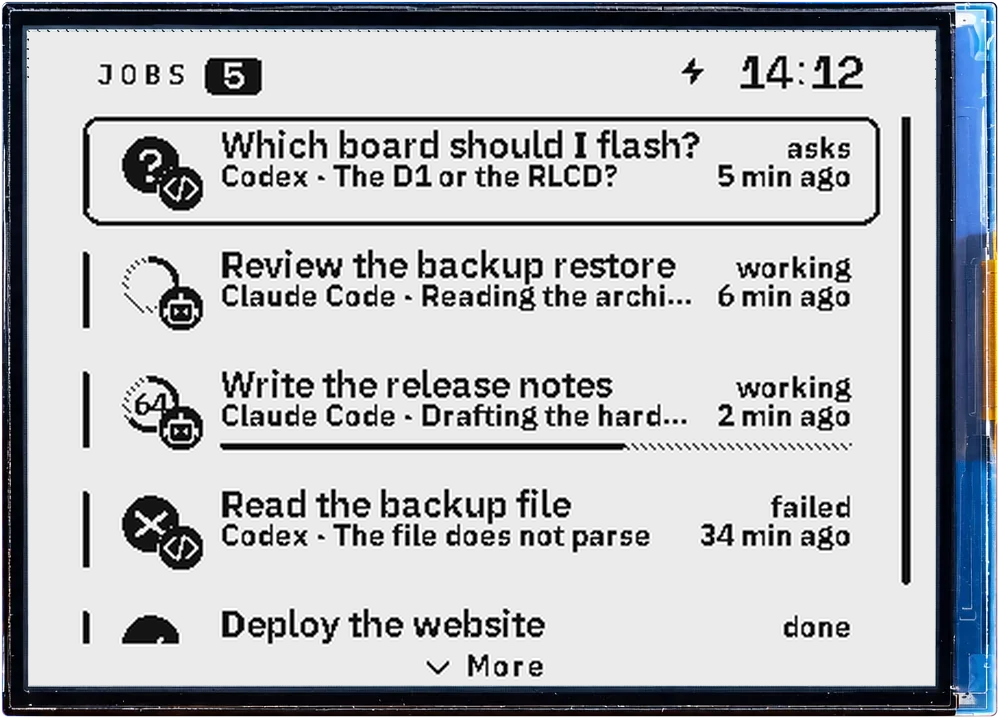
Waveshare RLCD 4.2 showing the McpVue jobs list in black on a light panel
02

Waveshare RLCD 4.2

4.2″ reflective LCD · 400 × 300 · Black and white

The largest screen, a reflective black-and-white panel that reads well in daylight. It runs the full interface, like the D1, with two buttons instead of touch, and a speaker.

Chip
ESP32-S3, 16 MB flash, 8 MB PSRAM
Power
USB-C, 18650 cell holder
Sound
Speaker, chime on new messages
Buy the board

02 · The licence

One code.
One board.

A licence code activates McpVue on one board. You get it by email after the purchase.

Buy a licence
  • Enter it once.

    The flasher asks for the code the first time and links it to the board's device ID, read from the chip.

  • Updates included.

    A licensed board is recognised on every later visit to the flasher, without a code.

  • A board for each code.

    Two boards need two codes. If a board breaks, contact us and we move the licence to the new one.

03 · Install

Then flash it
from your browser.

Open the flasher in Chrome or Edge, choose your board, and connect it with a USB cable. Enter your licence code when asked.

Open the flasher